 MetaMask



How To Use Our Bot
Thank you for choosing our Discord bot! This guide will provide you with comprehensive instructions on how to utilize its features effectively. The bot is designed to enhance your server's functionality with its four primary actions: Play Content, Post, Account, and Notification. Additionally, moderators have access to specific commands for managing the bot and maintaining server order.
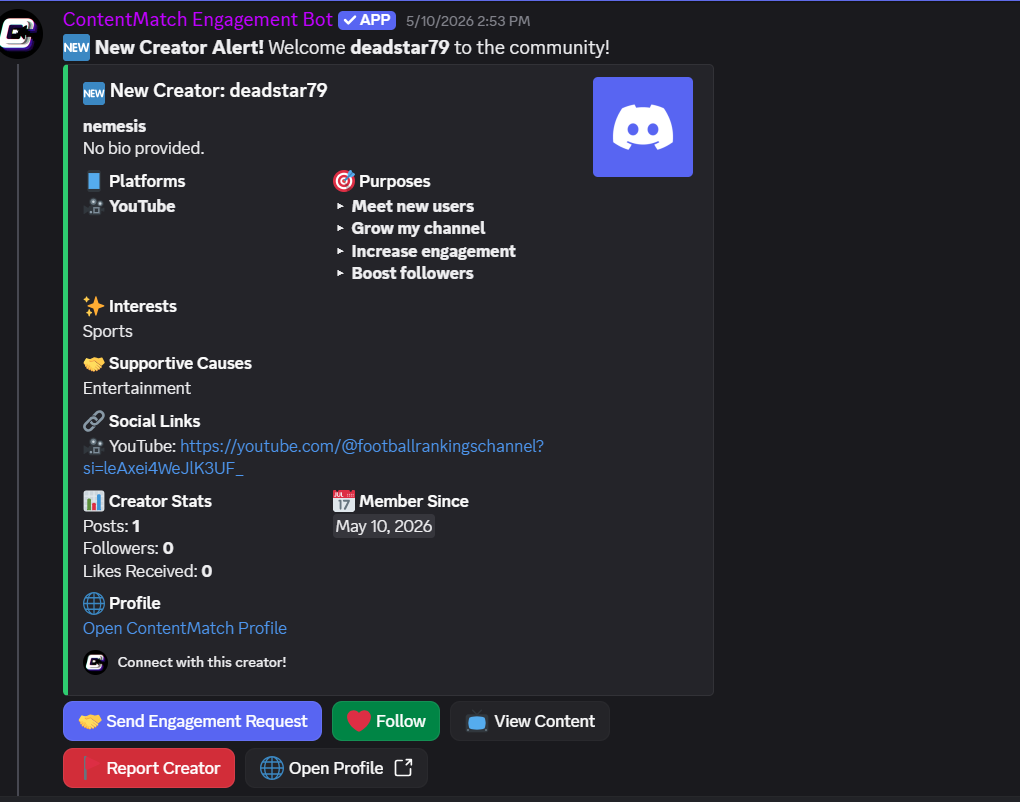
increased visibility
Using the /Boost command allows you to share your content profile across all Discord servers that have the bot installed, helping you increase the number of people who see your profile.
Boost Profile
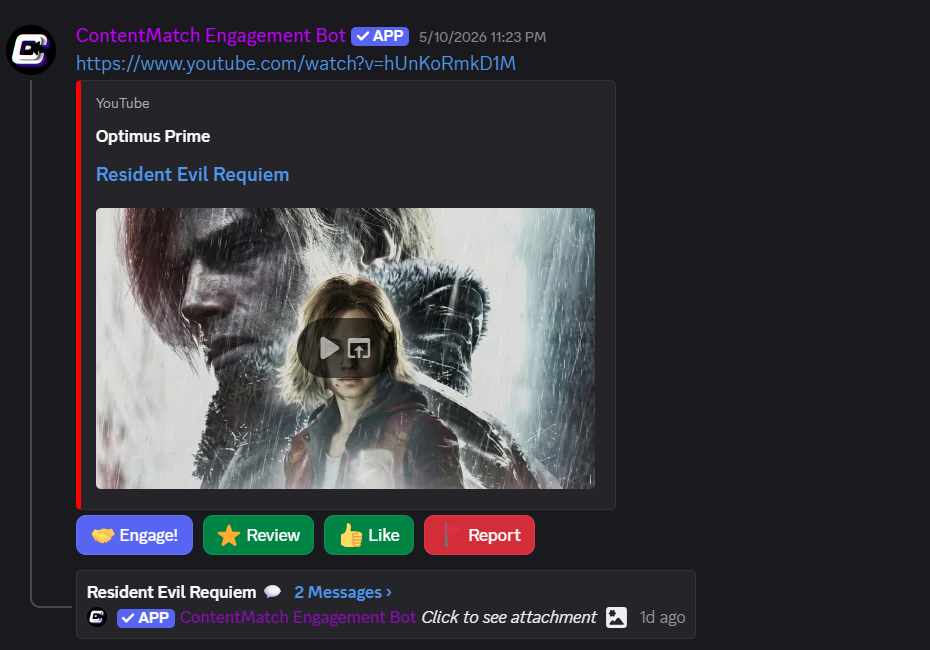
Mutual Growth
Displays content generated by the bot, focusing on active users with engagement.
Play Content
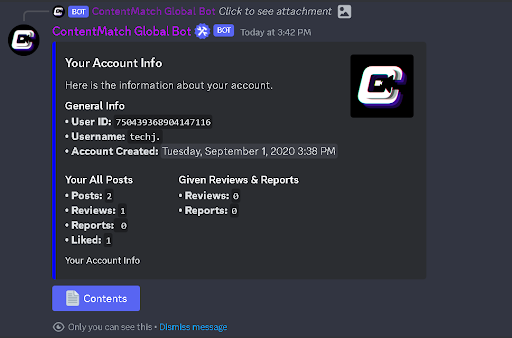
Elevating Community Contributors
Provides an overview of your account activity, including posts, reviews, reports, and likes.
Account
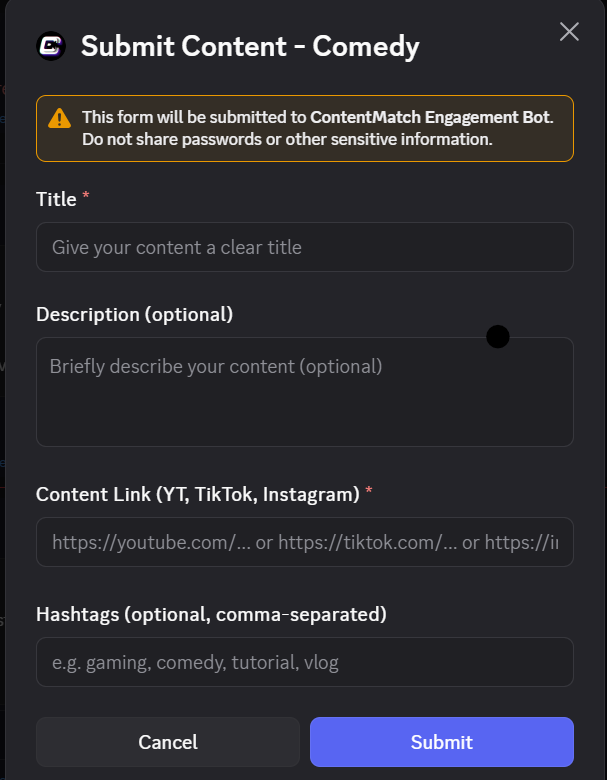
Empower Your Community
Post Your Content Link & And this will post your content to our app and all Discord Servers that have the ContentMatch Engagement Bot
Post COntent
Feedback
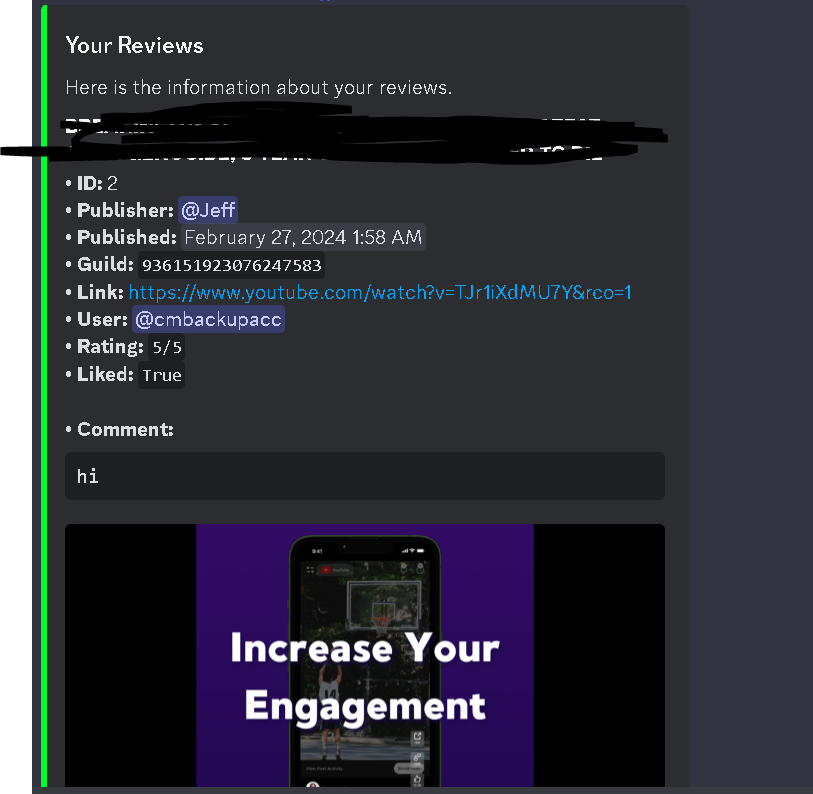
Shows replies and proof of actions such as comments or likes. This lets you see who has engaged with your content and who has left reviews, helping you improve over time.
Feedback